


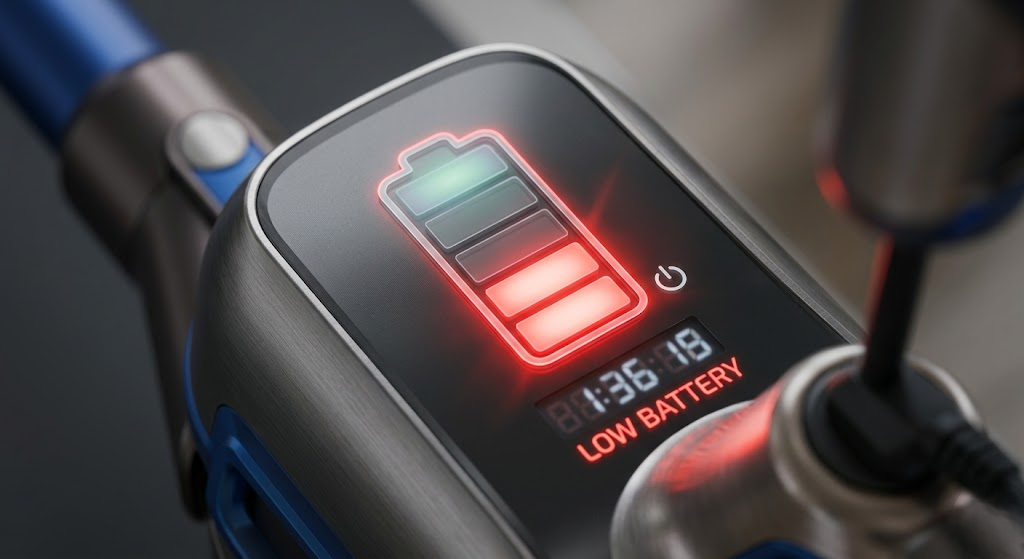
Cordless vacuums are designed for convenience—but nothing is more frustrating than a battery that drains too quickly. If your vacuum barely lasts through a single room, you’re not alone.
The good news?
In most cases, fast battery drain isn’t a defect—it’s caused by usage habits, settings, or simple maintenance issues you can fix yourself.
Let’s break down the real reasons and how to solve them.
Quick Answer
- Use normal mode instead of max power
- Fully charge the battery before use
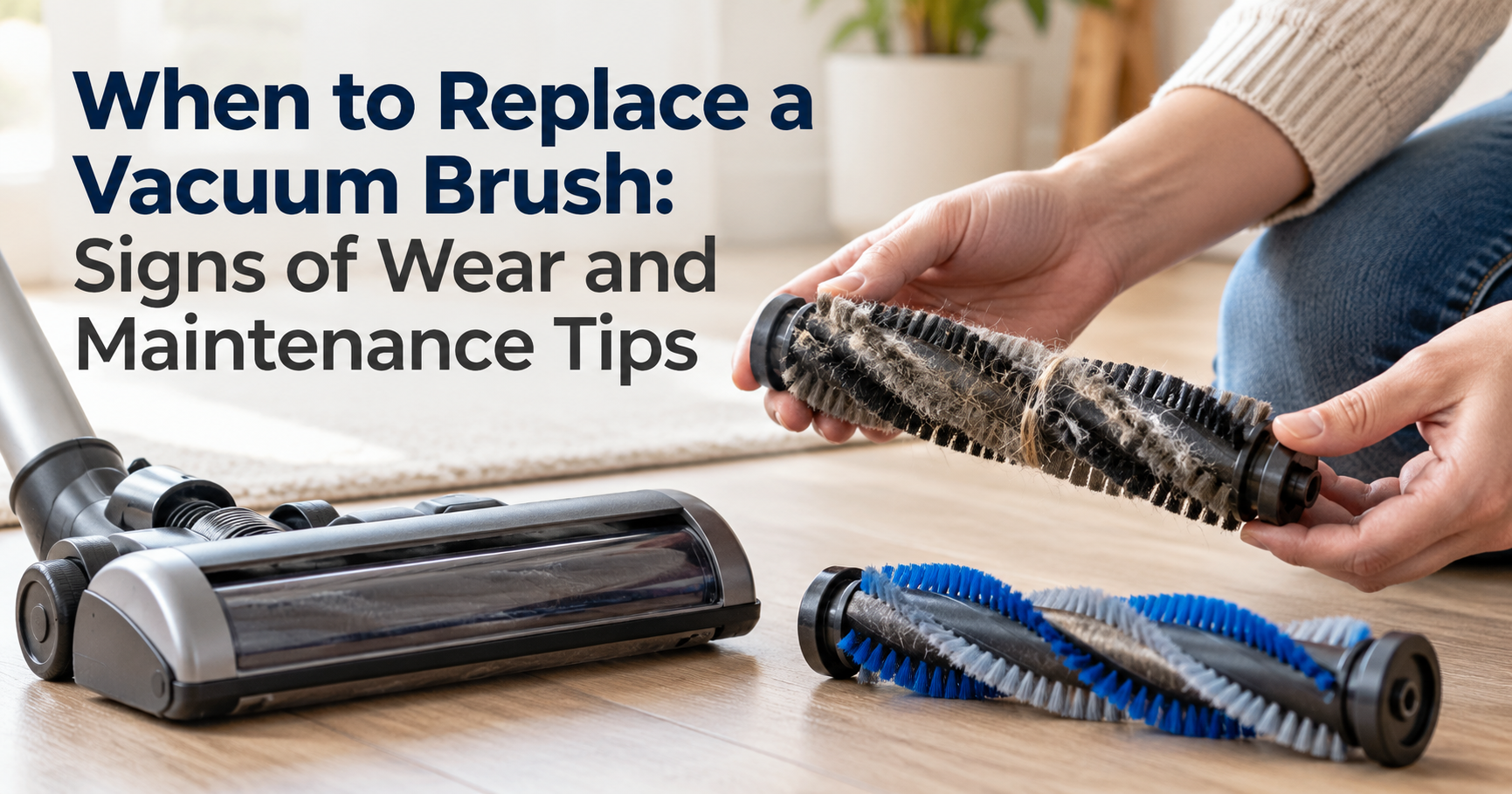
- Clean filters and brush roll regularly
- Avoid overheating the vacuum
- Replace the battery if it’s old
Most users fix battery issues in under 15 minutes.
Common Reasons Your Vacuum Battery Drains Fast
1. Using Max Power Mode Too Often
High-power or “Turbo Mode” drains battery extremely fast.
Example:
A vacuum that runs 30 minutes on normal mode may last only 8–10 minutes on max mode.
Fix:
Use max mode only for deep cleaning carpets or heavy dirt.
2. Old or Worn-Out Battery
Lithium-ion batteries degrade over time.
Signs:
- Battery drains quickly even after full charge
- Charging completes too fast
- Runtime keeps decreasing over time
Fix:
Replace the battery if it’s older than 1.5–3 years.
3. Dirty Filters or Blockages
When airflow is blocked, the motor works harder—draining the battery faster.
| Check for: | Fix: |
| Clogged filters | Wash or replace filters |
| Dust-filled containers | Empty dustbin regularly |
| Blocked air pathways | Clear all blockages |
4. Overcharging or Improper Charging Habits
Leaving your vacuum plugged in all the time can reduce battery lifespan.
Best Practice:
- Charge fully, then unplug
- Avoid letting battery drop to 0% frequently
5. Overheating Issues
If your vacuum gets too hot, the battery drains faster and may even shut down.
| Causes: | Fix: |
| Long continuous use | Let the vacuum cool down between uses |
| Blocked airflow | Clean filters and vents |
| Hot environment |
6. Using the Wrong Attachments
Some attachments (like motorized brush heads) consume more power.
Fix:
- Use basic attachments for light cleaning
- Switch to power tools only when needed
7. Faulty Charger or Charging Port
If the battery isn’t charging properly, it may seem like it’s draining fast.
Check:
- Charger cable condition
- Loose connection
- Charging indicator behavior
How to Make Your Vacuum Battery Last Longer
| Simple Tips That Work | Signs You Need a New Battery |
| Use eco or normal mode most of the time | Runtime is less than 5–10 minutes |
| Clean filters every 1–2 weeks | Battery heats up quickly |
| Store in a cool, dry place | Vacuum shuts off suddenly |
| Avoid full discharge (0%) | Charging time becomes abnormal |
| Charge before battery drops below 20% |
If you notice these, replacing the battery is the best solution.
Pro Tip
If you have a large home, consider buying a spare battery.
This way, you can swap batteries and clean without interruptions.
FAQs
Why does my cordless vacuum only last a few minutes?
This usually means the battery is worn out or you’re using max power mode continuously.
Can I leave my cordless vacuum on charge overnight?
Occasionally yes, but doing it regularly can reduce battery lifespan over time.
How long should a cordless vacuum battery last?
Most batteries last 15–40 minutes per charge, depending on the model and mode
Is it better to replace the battery or buy a new vacuum?
If the vacuum is still working well, replacing the battery is much cheaper.
Final Thoughts
A fast-draining cordless vacuum battery doesn’t always mean your vacuum is broken.
In most cases, simple changes—like cleaning filters, adjusting power settings, or improving charging habits—can significantly extend battery life.
Take a few minutes to check these issues, and your vacuum should be back to full performance.