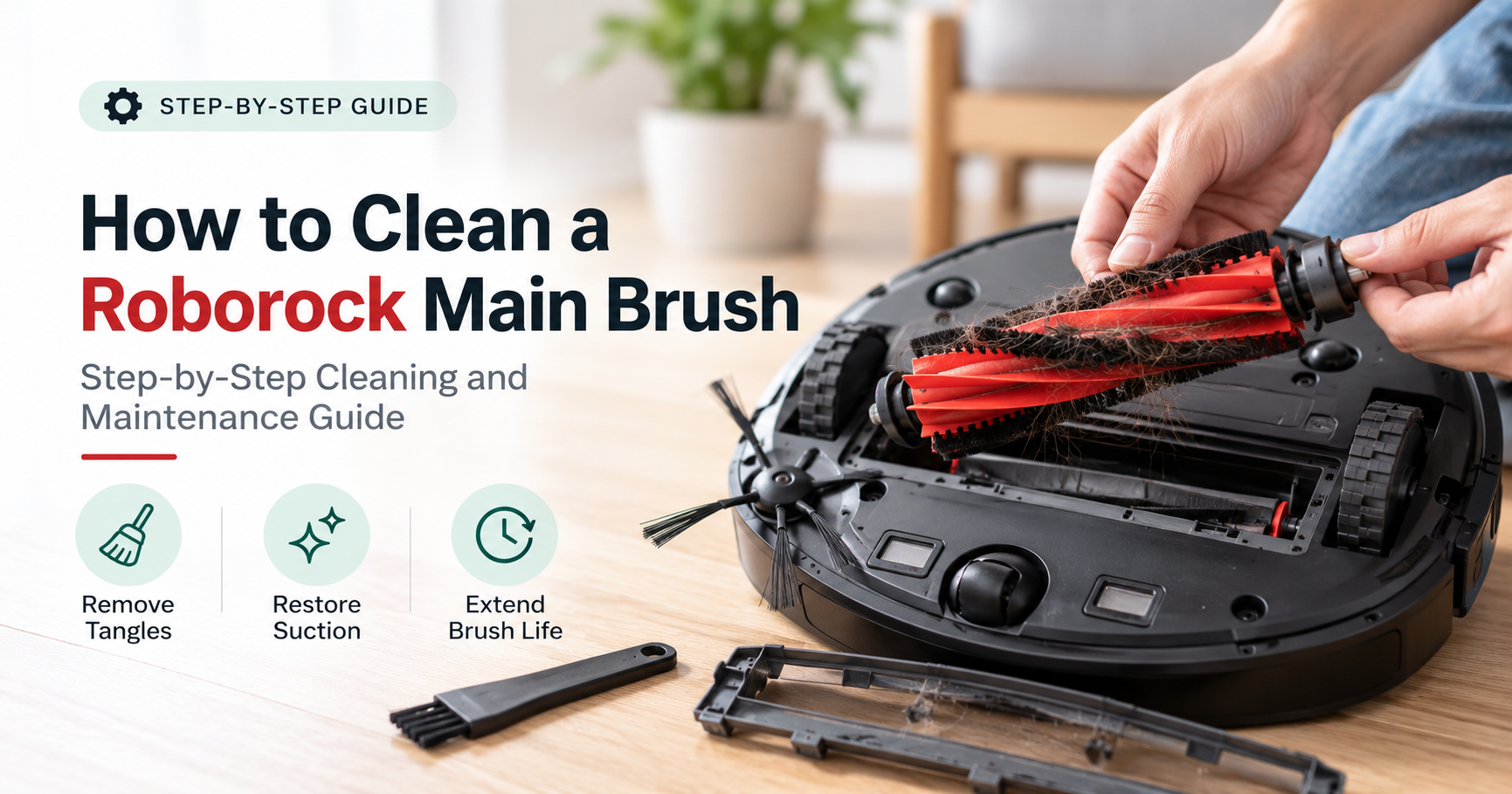






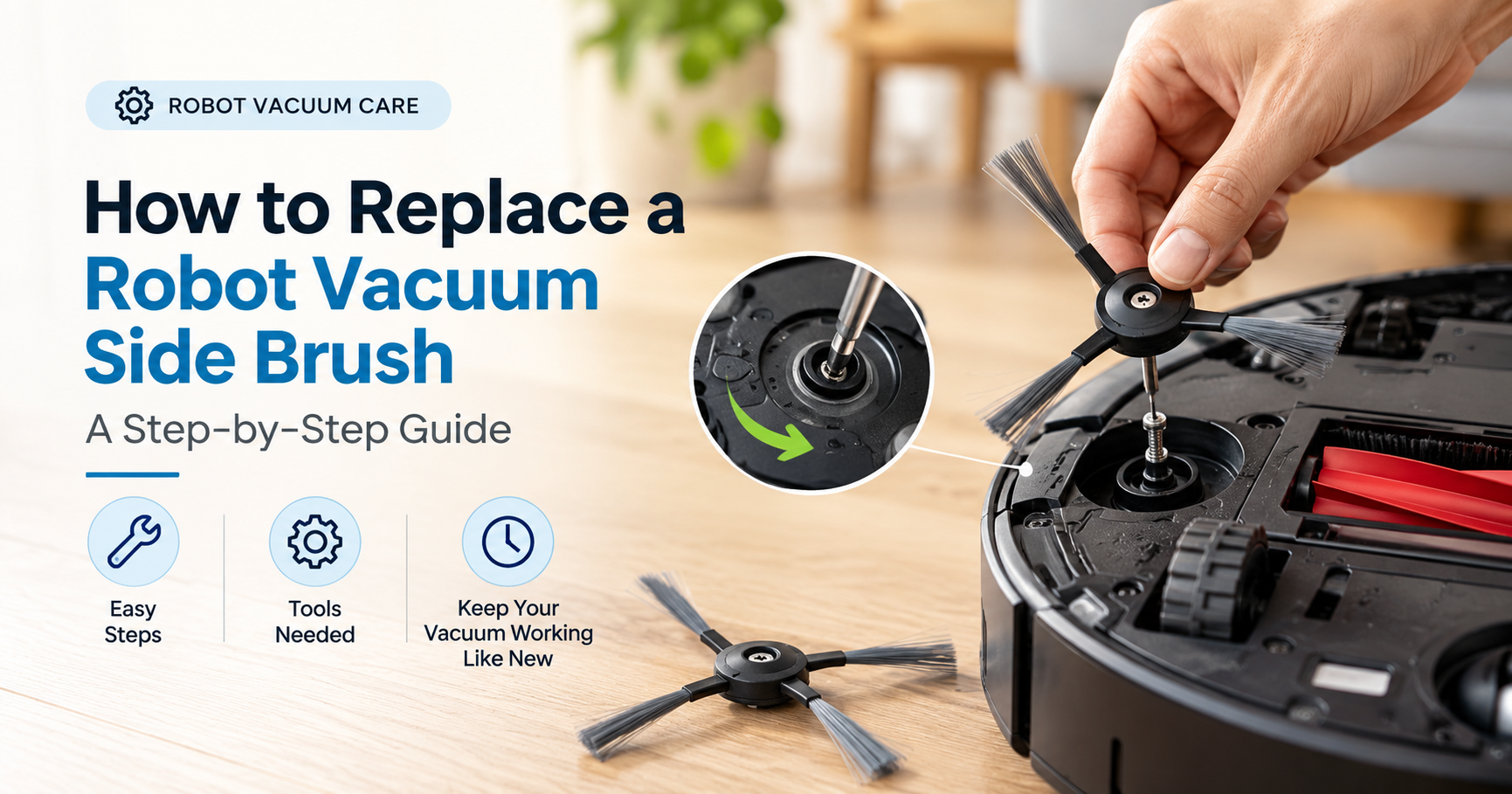

If your robot vacuum has started leaving crumbs along the baseboards, flicking dust across the floor, or making a strange scraping sound, the culprit is often small and cheap: a worn-out side brush. The good news is that learning how to replace a robot vacuum side brush takes about five minutes, needs almost no tools, and can bring your robot’s edge and corner cleaning back to like-new performance.
This guide walks you through the entire process from start to finish. You will learn how the side brush works, how to tell when it is time for a new one, the three most common ways side brushes are attached, a clear step-by-step replacement method, how to fix problems after the swap, and how to choose the right replacement so you do not waste money on a brush that does not fit.
Turn the robot off and flip it upside down. Remove the old side brush by unscrewing it, pulling it off, or twisting it free, depending on the model. Clean away any hair from the shaft, then align the new brush with the shaft and secure it with a click or a snug screw. Flip the robot back over and run a short test to confirm the brush spins freely.
- What a side brush does and why it matters
- Signs your side brush needs replacing
- How often should you replace it?
- What you need before you start
- Three common attachment styles
- Step-by-step: how to replace the side brush
- Troubleshooting common problems
- How to choose the right replacement brush
- How to make your new brush last longer
- Frequently asked questions
What a Side Brush Does and Why It Matters
Most robot vacuums are round, which is great for turning and navigating furniture, but a circle cannot reach into a square corner. The side brush solves that problem. It is the small spinning brush with thin arms that sits near the front edge of the robot and extends slightly past its body. As it rotates, it sweeps dust, crumbs, pet hair, and debris away from walls, baseboards, and corners and pushes it into the path of the main brush and suction opening.
Without a healthy side brush, a robot vacuum tends to push debris along walls instead of picking it up. Many owners notice a thin line of dirt left along the edges of the room, which is a classic sign that the bristles are no longer doing their job. Side brushes usually come with three, four, five, or six arms, and some robots have one while others have two.
Because the side brush works at the edge of the machine, it is the part that takes the most punishment. It rubs against walls, catches on rug fringes, and collects long hair. That constant wear is exactly why it is designed to be replaced regularly rather than lasting the life of the vacuum.
Signs Your Side Brush Needs Replacing
You do not need to wait until the brush is completely ruined. Check it every few weeks by flipping the robot over and looking at the bristles. These are the most common signs that a replacement is due:

- Bent or flattened bristles. Healthy bristles spring back and point outward. If they stay curled, splayed, or flattened, they can no longer flick debris inward.
- Thin or bald patches. Bristles break off over time. When whole sections are missing, the brush leaves gaps that skip dirt along edges.
- Dirty edges after a run. If you still see crumbs against the wall after a full cleaning cycle, the side brush is usually the first thing to check.
- Slow or stuttering rotation. A brush that barely spins, even after you remove tangled hair, may be worn, warped, or damaged at the hub.
- Wobble or looseness. A cracked hub or a brush that will not stay seated needs to be swapped out.
- Constant tangling. Worn bristles can grab hair more aggressively, forcing you to clean the base again and again.
How Often Should You Replace a Robot Vacuum Side Brush?
There is no single schedule that fits every home. Most manufacturers recommend replacing side brushes somewhere between every three and twelve months, depending on how often the robot runs and what it cleans. Your manual will give the exact interval for your model, and many apps show a brush life reminder you can use as a guide.
| Your Home | Typical Replacement Timing |
|---|---|
| Pets that shed, long-haired family members, daily runs | Every 3 to 4 months |
| Average household, runs a few times a week | Every 4 to 6 months |
| Small space, hard floors, occasional use | Every 6 to 12 months |
Treat these numbers as a starting point. The real test is the condition of the bristles and how well the edges of your floors look after a cleaning run.
What You Need Before You Start
This is one of the easiest maintenance jobs in the house. You only need a few simple items, and most are probably already in a drawer.

- A replacement side brush that matches your model. Check the model number on the bottom of the robot or in the app before ordering.
- A small Phillips screwdriver. Only needed if your brush is held by a center screw.
- Scissors or a seam ripper. Useful for cutting through hair wrapped around the shaft.
- A soft, dry cloth. For wiping dust from the socket and the area around the brush.
- Tweezers or a small cleaning brush. Helpful for tiny hairs and grit in tight spaces.
- A towel and a flat surface. Protects both the floor and the robot when you turn it upside down.
Three Common Side Brush Attachment Styles
Different brands attach their side brushes in different ways, so the first step is working out which style your robot uses. Look at the center of the brush. In most cases, it will fall into one of three groups.

1. Screw-On Brushes
A small screw sits in the middle of the brush hub. This is a very common design, and many robots use a single Phillips screw. Turning it counter-clockwise releases the brush, and the same screw holds the new brush in place when tightened clockwise.
2. Pull-Off or Snap-On Brushes
There is no screw at all. The brush simply clips onto a small post. To remove it, grip the base of the brush and pull it straight up and away from the robot. To install the new one, line up the hub and press down until you feel or hear it click.
3. Twist-and-Lock Brushes
Some designs lock into place with a quarter turn. You rotate the brush slightly to release it, lift it off, then align the new brush with the shaft and twist it back into the locked position.
If you are unsure which style you have, check the manual or your brand’s support page for your model. Never force a brush off. If it does not move easily, you are probably missing a screw or turning it the wrong way.
Step-by-Step: How to Replace a Robot Vacuum Side Brush
Once you know your attachment style, the actual replacement is quick. Here is the full process in order.

Step 1: Power Off and Flip the Robot
Turn the robot off using its power switch if it has one, and take it off the charging dock. Lay a towel on a table or the floor and place the robot upside down on it. Working on a stable, flat surface keeps the robot from rolling and protects the sensors on the underside.
Step 2: Remove the Old Side Brush
Use the method that matches your attachment style. For a screw-on brush, unscrew the center screw and keep it somewhere safe, because you will need it for the new brush. For a snap-on brush, pull it straight up. For a twist-and-lock brush, rotate it as shown in your manual and lift it away. Keep your movements gentle and steady.
Step 3: Clean the Socket and the Shaft
Before installing anything new, take a close look at the area under the old brush. Long hair loves to wrap around the shaft, and it can cause the new brush to spin poorly or get stuck. Use scissors or a seam ripper to cut through any wrapped hair and pull it out with your fingers or tweezers. Wipe away dust and debris with a dry cloth.
Step 4: Align the New Brush
Take the new brush out of its packaging and compare it to the old one. The hub should look the same, with the same number of arms and the same type of center. Some two-brush models use left and right brushes that are marked with letters or colors, so make sure you are putting the correct one on the correct side. Line up the hub with the shaft so it sits flat without wobbling.
Step 5: Secure the New Brush Firmly
For a screw-on design, tighten the screw until it is snug, but do not overtighten, as that can strip the screw or crack the plastic. For a snap-on design, press down until it clicks into place. For a twist-and-lock design, rotate it until it locks. Give the brush a gentle tug to confirm it is secure and spin it by hand to make sure it moves freely.
Step 6: Reset the Brush Counter and Test
Turn the robot right side up and power it back on. Many robots track brush life in their app or on a small display, so look for an option to reset the brush counter. Then run a short cleaning cycle and watch the brush from the side. It should spin smoothly and sweep debris toward the center of the robot without any grinding noises.
Troubleshooting Common Problems After Replacement
| Problem | Likely Cause | What to Do |
|---|---|---|
| The new brush will not fit | Wrong model, wrong side, or incorrect alignment | Compare it with the old brush and check the model number and the left or right marking |
| The brush spins slowly or stops | Hair wrapped around the shaft or motor | Remove the brush again and clear any hair from the shaft and socket |
| The brush keeps falling off | Not clicked in, stripped screw, or worn socket | Re-seat it firmly, replace a damaged screw, and check the manual |
| Grinding or rattling noise | Debris stuck under the hub or loose attachment | Remove the brush, clean the area, and reinstall securely |
| Edges are still dirty | Brush angle, floor type, or other worn parts | Check the main brush, filter, and wheels for wear or clogs |
| Brush arms bend or tangle quickly | Very long hair or rug fringe | Clean more often and tidy loose rug edges before each run |
How to Choose the Right Replacement Brush
Buying the correct brush is just as important as installing it properly. A brush that is almost the right size can look fine, but it may fit loosely, spin unevenly, or wear out faster. Use this checklist before you order.
- Match the exact model. Robot vacuums from the same brand often use different brush designs from one generation to the next, so use the full model name or number.
- Count the arms and compare the hub. The number of arms and the center shape should match your original.
- Check the quantity. Multi-packs are usually better value, and they mean you always have a spare ready.
- Decide between original and compatible brushes. Original brushes are designed for a perfect fit and are the safest choice. Well-reviewed compatible brushes can cost less, but quality varies, so read reviews and look for a clear compatibility list.
- Look for good bristle quality. Firm bristles that spring back after bending usually last longer than thin, floppy ones.
- Confirm the left and right sides. If your model uses two side brushes, make sure the pack includes the correct pair.
How to Make Your New Side Brush Last Longer
A few simple habits will keep your new brush working well for months.
- Check it weekly. A quick look at the bristles and the base takes seconds and catches tangles early.
- Remove hair regularly. Cutting wrapped hair away before it builds up prevents strain on the motor.
- Pick up cords and small items. Charger cables, socks, and string are brush killers.
- Tidy rug fringes. Tuck or trim loose fringes that can catch the bristles.
- Keep spares on hand. Having a replacement ready means you can swap the moment the bristles wear out.
| How Often | Maintenance Task |
|---|---|
| Weekly | Check bristles and remove any visible hair |
| Monthly | Remove the brush, clean the shaft and socket, and wipe the underside |
| Every 3 to 12 months | Replace the side brush based on wear and your manual |
Frequently Asked Questions
Can I run my robot vacuum without a side brush?
Most robots will still run without one, but cleaning along walls and in corners will be noticeably worse. For best results, install a new brush as soon as possible.
Do I need to replace both side brushes at the same time?
If your robot has two side brushes and both show wear, replacing them together keeps the cleaning pattern even. If only one is damaged, you can swap just that one.
Can I clean a side brush instead of replacing it?
You can remove hair and debris to extend its life, and some brushes can be rinsed gently with mild soap and water and allowed to dry completely before reinstalling. However, once the bristles are bent, broken, or missing, cleaning will not restore them and replacement is the better option.
How do I know which side brush fits my robot vacuum?
Find the exact model name or number on the bottom of your robot, on the box, or in the app, and match it against the compatibility information on the product listing. Comparing the number of arms and the hub style with your old brush is also a quick way to confirm.
Is it normal for the new brush to look stiffer than the old one?
Yes. New bristles are fresh and firm. They will soften slightly with use but should still spring back after bending.
What if the screw is stuck or stripped?
Use a screwdriver that matches the screw head exactly and apply gentle, steady pressure while turning counter-clockwise. If it still will not budge, check your manual or contact the manufacturer’s support rather than forcing it.
Will a worn side brush damage my robot vacuum?
A worn brush is mostly a cleaning-performance issue, but heavy hair buildup around the shaft can strain the motor over time. That is one more reason to check and clean it regularly.
Final Thoughts
Replacing a robot vacuum side brush is one of the simplest and most effective ways to keep your robot cleaning like new. Power the robot off, remove the old brush using the method that matches your model, clear out any hair, fit the new brush securely, and run a quick test. Pair that with weekly checks and a regular replacement schedule, and your robot will keep sweeping edges and corners the way it should.
When it is time to order, take a moment to match your exact model and choose a brush with sturdy bristles. A well-fitted side brush costs very little, and it can make a big difference in how clean your floors look every single day.
Note: Attachment styles and brush designs vary by brand and model. This guide covers the general process, so always follow the instructions in your robot vacuum’s user manual for model-specific steps and safety guidance.